Edit this page on GitHub.

fpgas.online

Access Real FPGAs From Your Browser

Anyone can remotely access and control real FPGA development boards — for free!

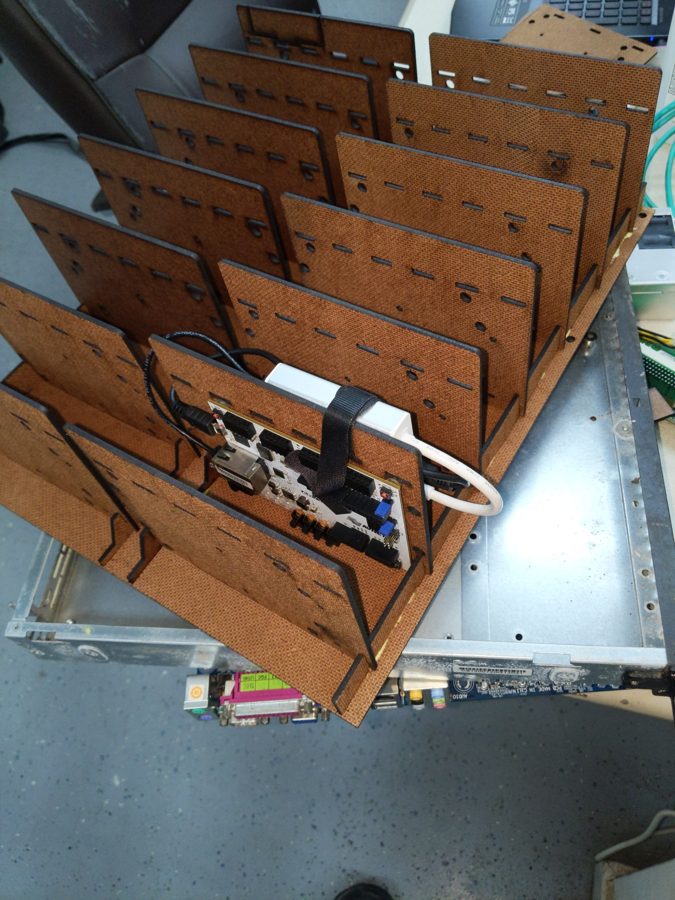
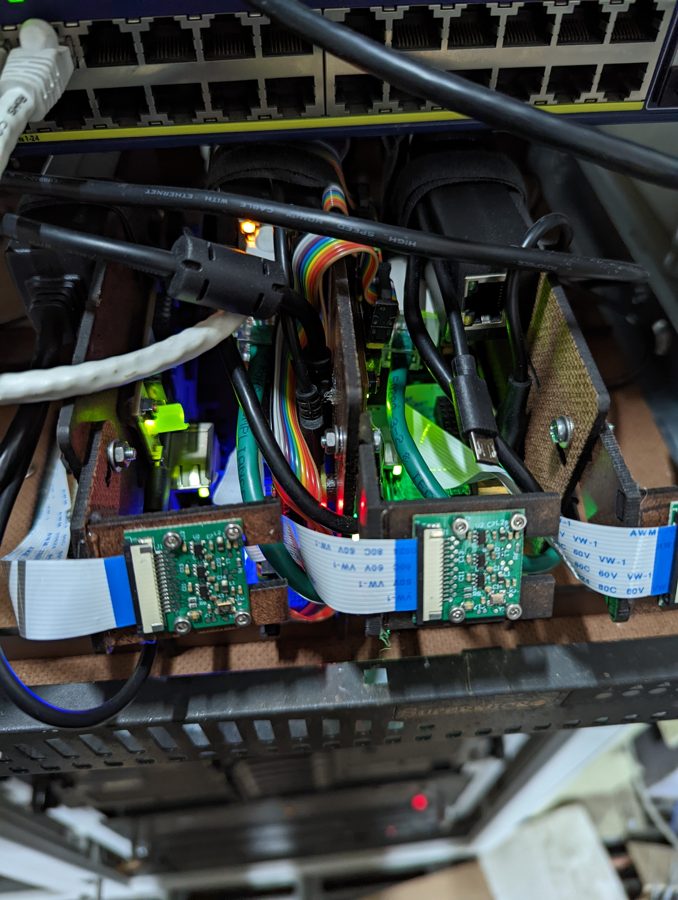
Build your design locally with open source toolchains, upload a bitstream, and watch the LEDs blink via a live camera feed. There are ~10 FPGA boards connected to the system, so there should always be one free and ready for you to use.

YOU! — via the Internet and a Raspberry Pi — connected to an FPGA board
Use an FPGA in Chicago ps1.fpgas.online · USA Use an FPGA in Adelaide welland.fpgas.online · Australia Use a Tiny Tapeout board tinytapeout.welland.fpgas.online · Australia Source code github.com/fpgas-online

2 sites — pick one!

World map Chicago Adelaide
ps1.fpgas.online Pumping Station: One hackerspace, Chicago, IL, USA
Digilent Arty A7 & LiteFury boards
welland.fpgas.online Welland, near Adelaide, South Australia
Arty, NeTV2, Fomu & Acorn CLE‑215+ boards
tinytapeout.welland.fpgas.online Welland, near Adelaide, South Australia
Tiny Tapeout demo boards with real open-source silicon

How It Works

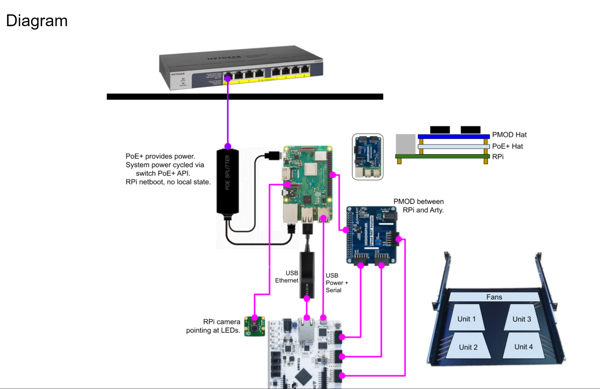
Each FPGA board is connected to a dedicated Raspberry Pi that provides:

The Pis boot from a read-only network file server, so whatever you do (including breaking things) gets reset on the next power cycle.

Getting Started

  1. Pick a site above (Chicago, Adelaide or Adelaide’s Tiny Tapeout boards) and choose an available board
  2. Follow the Getting Started guide to build a bitstream locally using open source FPGA toolchains
  3. Upload your bitstream to the Pi and program the FPGA
  4. Watch your design run on real hardware via the camera feed

Supported Boards

BoardFPGAToolchainStatus
Digilent Arty A7Xilinx Artix-7openXC7Active
Kosagi NeTV2Xilinx Artix-7openXC7Active
Fomu EVTLattice iCE40UP5KYosys + nextpnr-ice40Active
TT FPGA Demo BoardLattice iCE40UP5KYosys + nextpnr-ice40Active

All designs use fully open source FPGA toolchains — no vendor tools required.

Soon!
More FPGA types!

Documentation

Contributing

We welcome contributions! Whether it's improving the infrastructure, adding support for new boards, or helping with documentation: